Pages & navigation
Organise pages into sections, manage navigation and update content within the layouts your agency has prepared.

The tools client websites need, built into one managed CMS. Publish content, collect enquiries and use detailed SEO controls, with design freedom for web designers and straightforward editing for their clients. Hosting, CMS updates and direct platform support are included.
From a quick page update to a growing library of articles, events and profiles, give each kind of content a proper home.
Manage content as part of your design service, or give clients access to the areas they look after. The layouts and everyday editing stay separate.
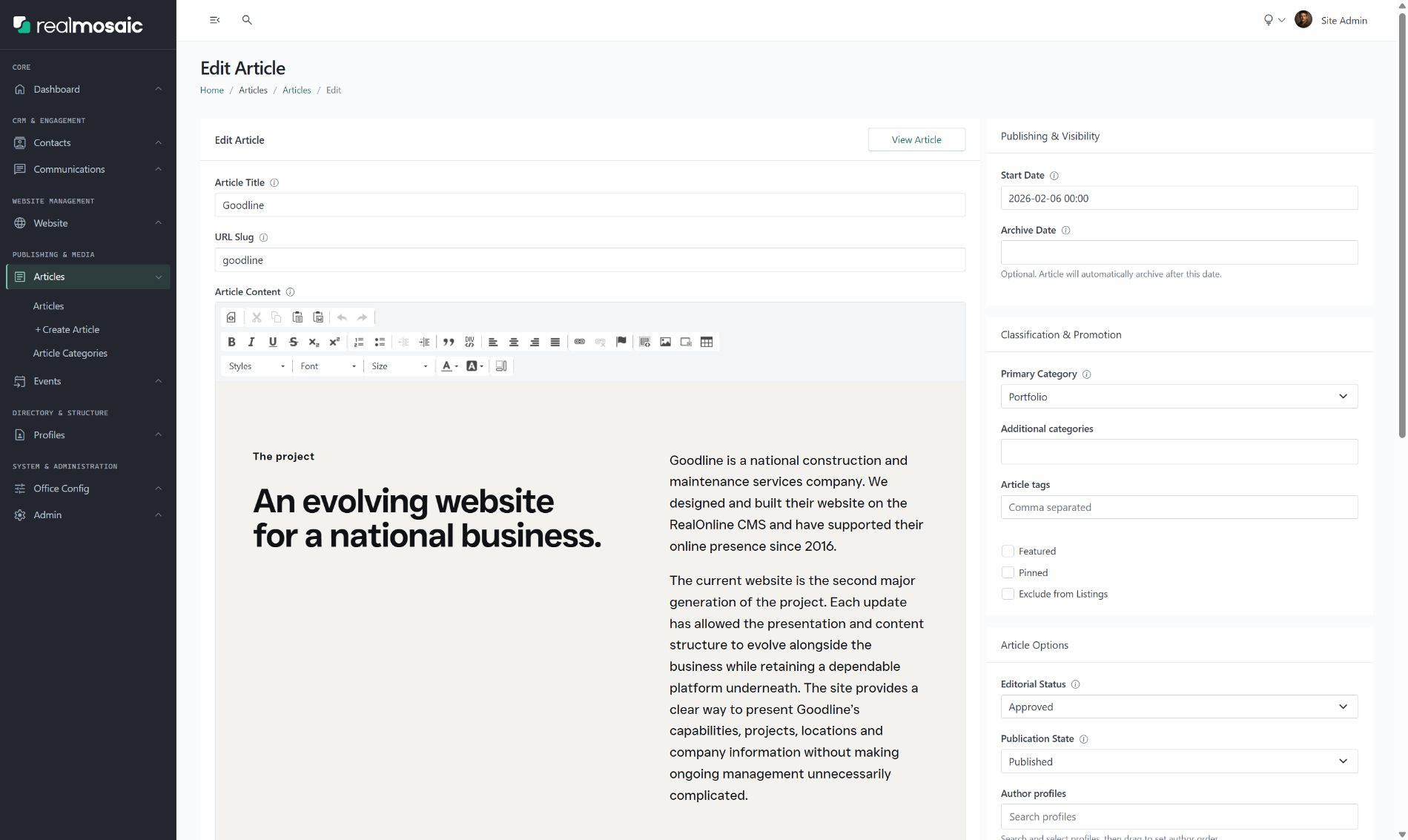
Organise pages into sections, manage navigation and update content within the layouts your agency has prepared.
Publish news and longer content, organise it by category and review revisions. Keep media, related articles, assigned review work, tasks and private research alongside the article.
Manage event content in a dedicated module and present event lists and individual details through your site's theme.
Keep people and profile content structured, with reusable list and detail layouts that suit the website.
Organise website files in the media manager. Build ordered image galleries and keep image information alongside the content.
Use Elements for content that appears in more than one place. Maintain a shared piece of content instead of editing several copies.
Build enquiry forms, store submissions and notify the right people with tools already in the CMS. One less separate form add-on to source, renew and maintain.
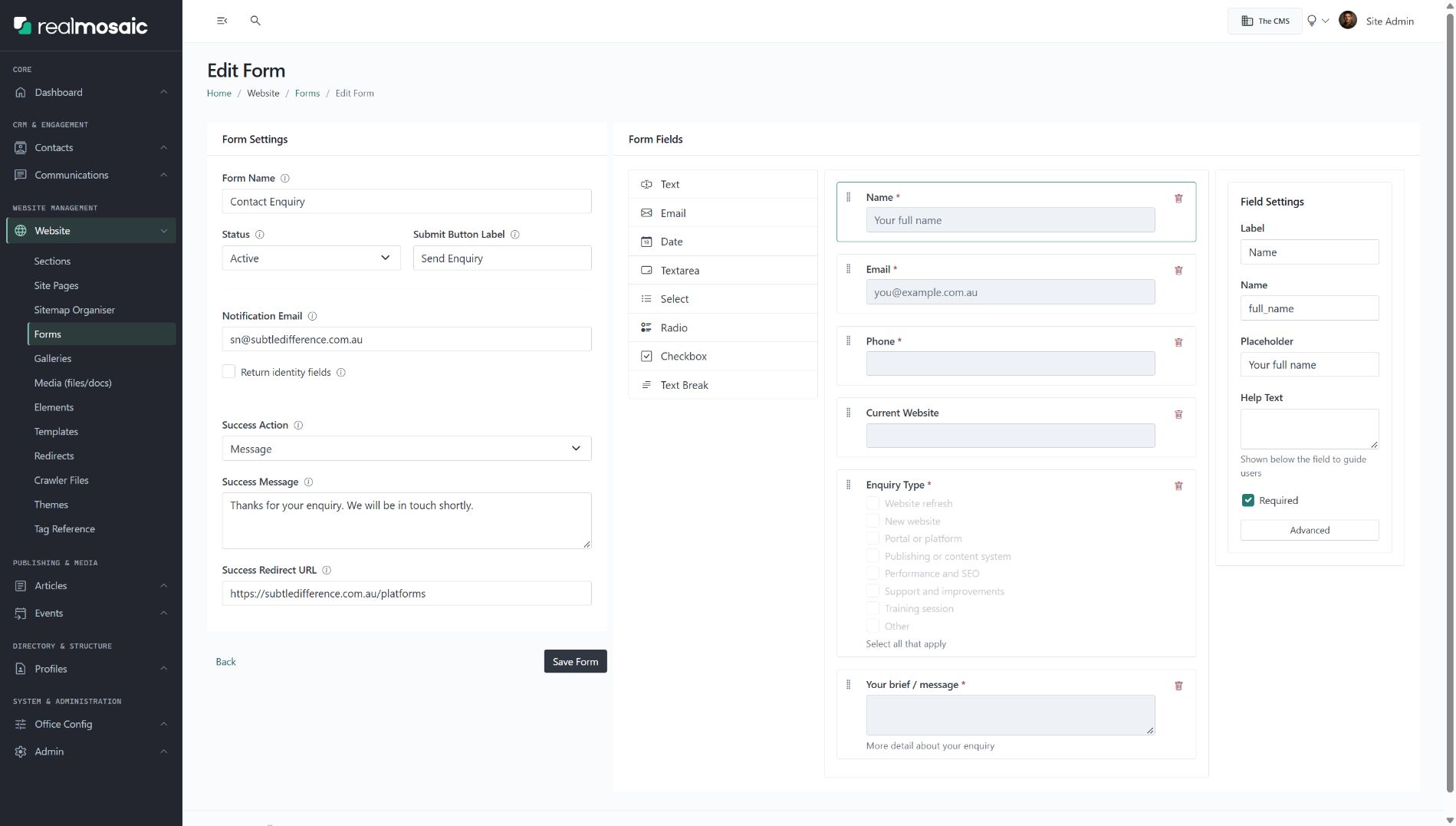
Use text, email and date fields, longer answers and choice fields. Set labels, help text, required fields and display order.
Review form responses from your website in one place, ready for your team to follow up.
Choose who receives form notifications so enquiries reach the right people.
Useful contact records and email tools live alongside the website, with access controlled for the people who need them.
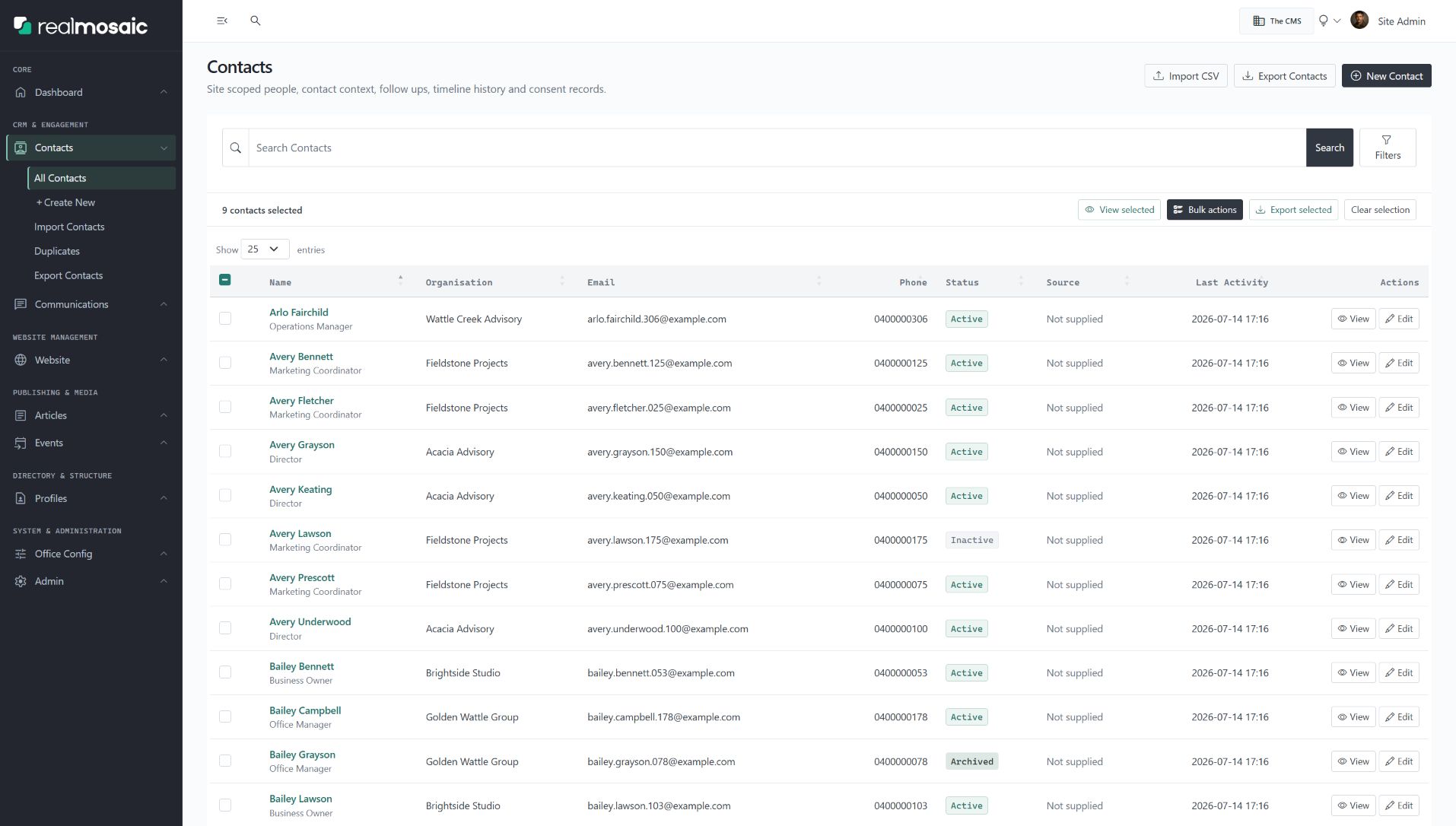
Keep contact details, addresses, notes, tasks and consent records together. Use sources, labels and marketing groups to organise people.
Write to a contact from their record, use reusable email templates and save a draft when you need to come back to it.
Prepare email campaigns, choose marketing groups and preview your audience. Plan one-off or weekly emails using reusable layouts and templates.
Start with your favourite design or prototyping tools. Build with HTML, CSS and JavaScript, then connect the website to content through RealMosaic's layouts and reusable partials.
Keep control of the imagery, video and interaction. Everyday editors work with content in the areas your agency prepares, while the design and template work stays with you.
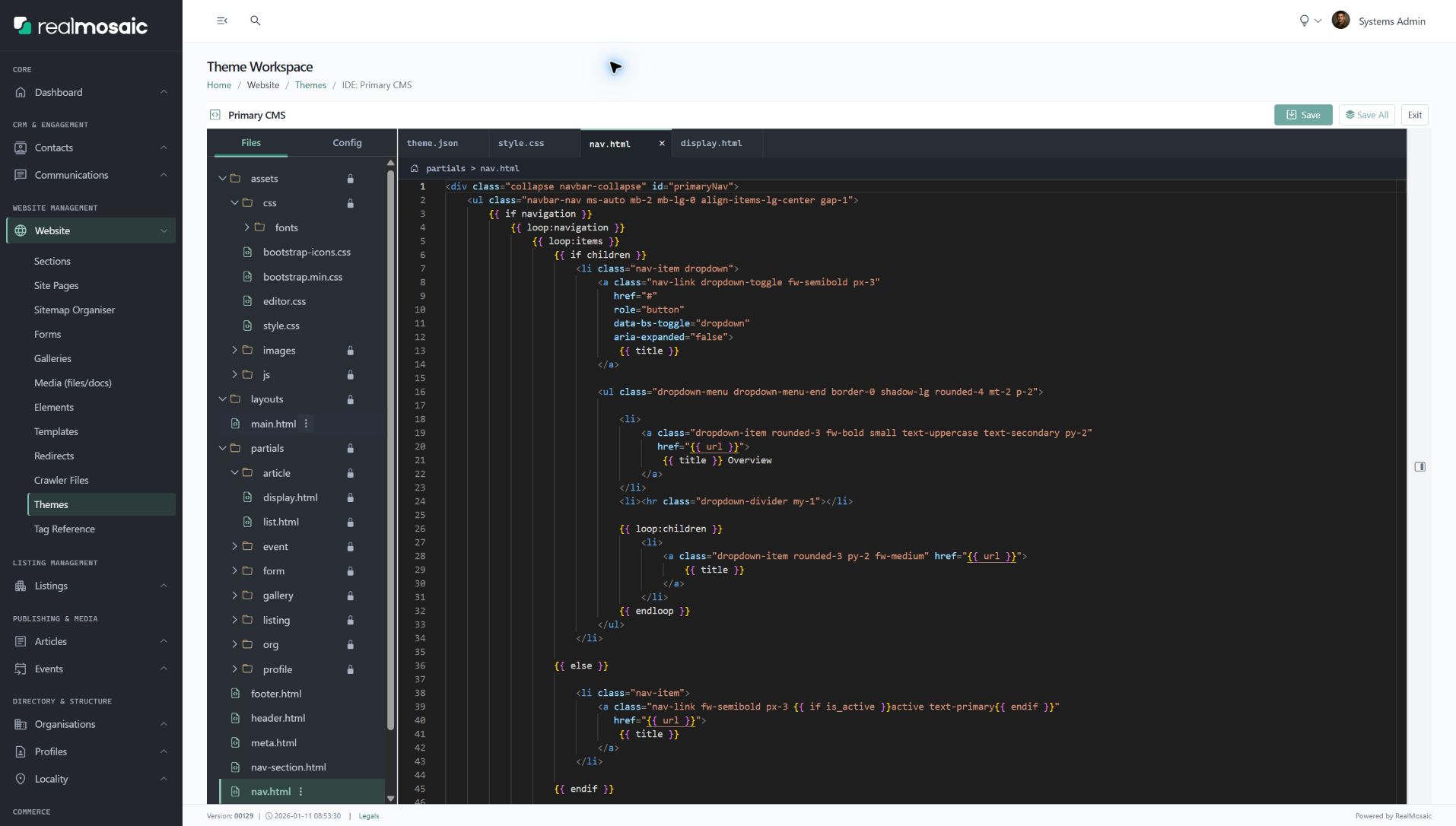
RealMosaic combines HTML, CSS and JavaScript with its own template language. Build sophisticated themes with reusable layouts, dynamic content, conditional display and structured content modules, without writing backend code or maintaining a separate frontend application.
The platform handles content resolution, permissions, publishing and delivery, so your team can focus on presentation.
RealMosaic keeps content management separate from the public website, with the tools for delivering that website already connected. Build the design and content workflow while we look after the managed platform behind them.
APIs provide structured content and themes own the markup. Use layouts, partials and template tags to decide how the website presents that content.
Routing, template rendering, Whittle image processing, caching and asset versioning are part of the managed website delivery layer.
Normal theme changes use HTML, CSS, JavaScript and RealMosaic templates. No mandatory JavaScript framework or separate frontend build pipeline is required for that work.
Whittle is RealMosaic's built-in image processing engine. Create the sizes and crops your layouts need from the original upload, with format and quality controls for web delivery.
Use WebP, JPEG, PNG or GIF output to suit the image. Generated versions are cached, so your team can reuse the original across different parts of the site.
Reduce unused CSS into a separate optimised file. Performance Mode serves that version while the original stays intact, ready to use again when you switch the mode off.
Separate shared CSS and JavaScript from page-specific assets. Bundle common files and keep a special page's code off the rest of the website.
Page and content-fragment caching support efficient delivery. Versioned asset URLs help browsers pick up updated CSS and JavaScript as files change.



One upload. Three ready-to-use versions. Open any image for a closer look.
Photo by James Coleman on Unsplash.
Control search appearance, redirects, indexing and website access with tools already in the CMS. Give each project a professional foundation without assembling separate add-ons for these essentials.
Manage page metadata and Open Graph titles, descriptions and images, giving search results and shared links a consistent starting point.
Built-in sitemap output and robots controls help search engines discover published content and respect the site's indexing settings.
Keep the preferred website address clear. Manage redirects as pages move and preserve useful paths through launches and redesigns.
Use layouts, partials and template tags for consistent output. Assign page-specific CSS and JavaScript without adding every special case to the whole site.
Manage multiple websites in one CMS, with user permissions included by default. Set access by role and website, so agency teams can look after several sites while each client works in their own space.
We manage the platform hosting, CMS updates and platform security. Direct support comes from the people who build RealMosaic, so you can keep your attention on client work.
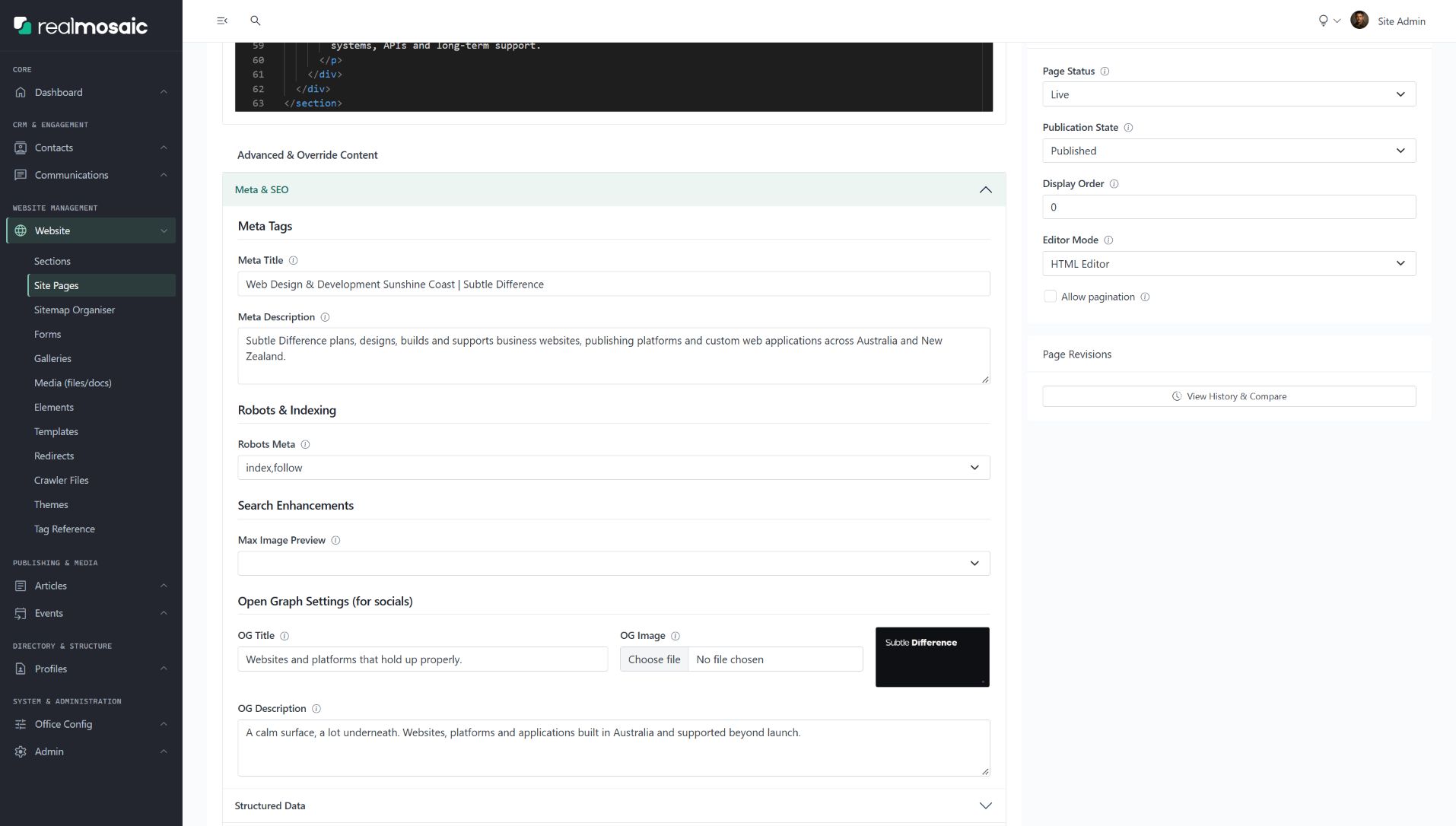
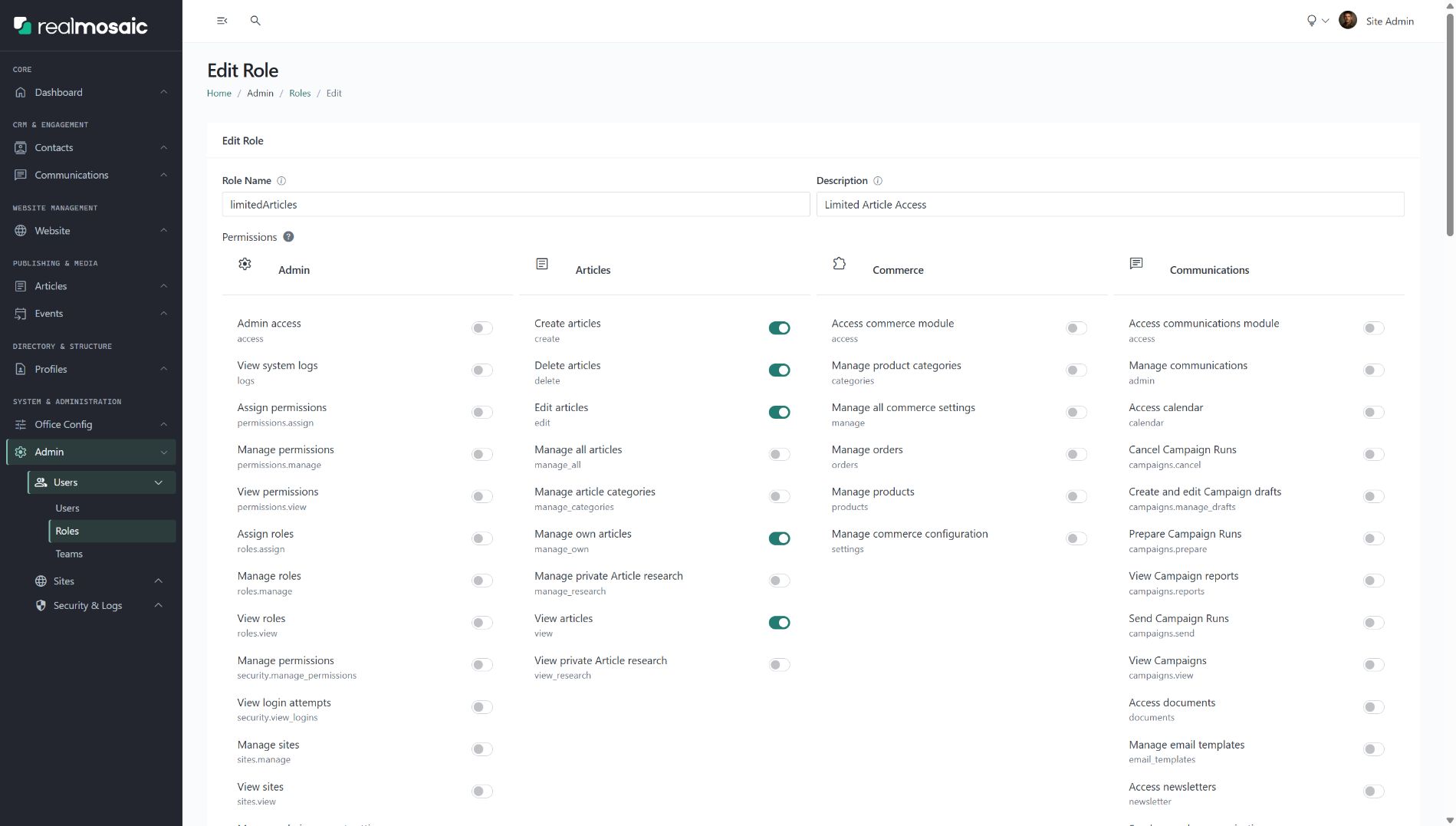
Build a client's website alongside the ones you already manage. When you're ready for a separate client installation, use the site and theme export/import tools to carry the design, content and assets across.
Look after each store's website from one admin. Give your central team access across the network, with local staff working in the websites they manage.
Give a shared admin or marketing team one place to look after each business's website. Useful for owners with several businesses, including NDIS and other service providers managing multiple brands.
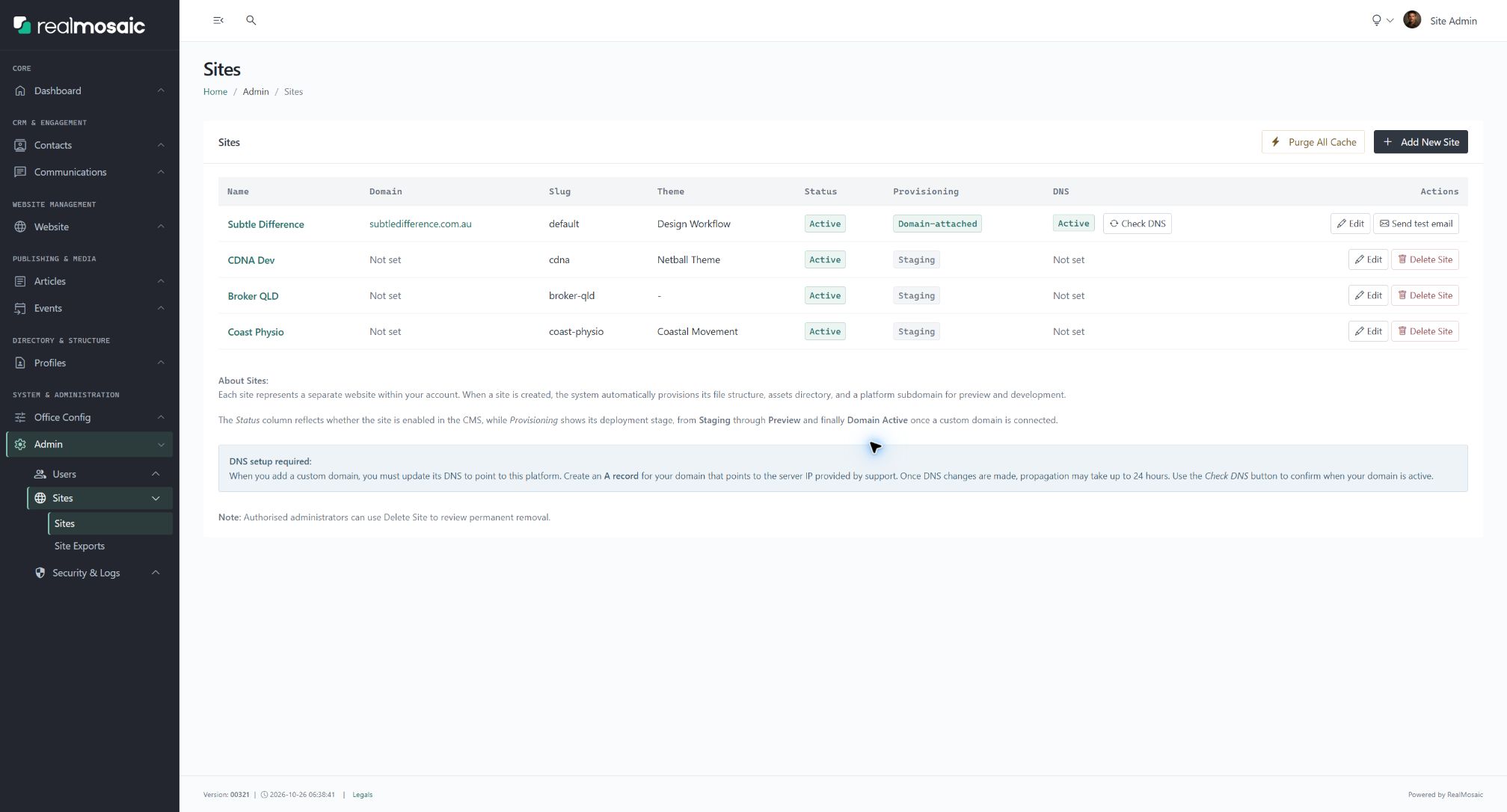
Build a website and move its content and assets to another RealMosaic installation. Site packages and separate theme export/import tools give your agency a repeatable way to prepare and hand over a build.
Keep proven themes available for future projects, and bring the right content into a new or existing site.
Talk through a site transferPackage pages, sections and supported content groups with their associated assets. Export the theme separately to carry the design across too.
Validate the package and review its contents before creating a new site or replacing selected content in an existing one.
Selected-content replacement retains a validated safety snapshot. The import process checks the package and handles relationships and associated files as part of the move.
Property, business and location-heavy projects need more than ordinary page content. Dedicated administration keeps those records organised.
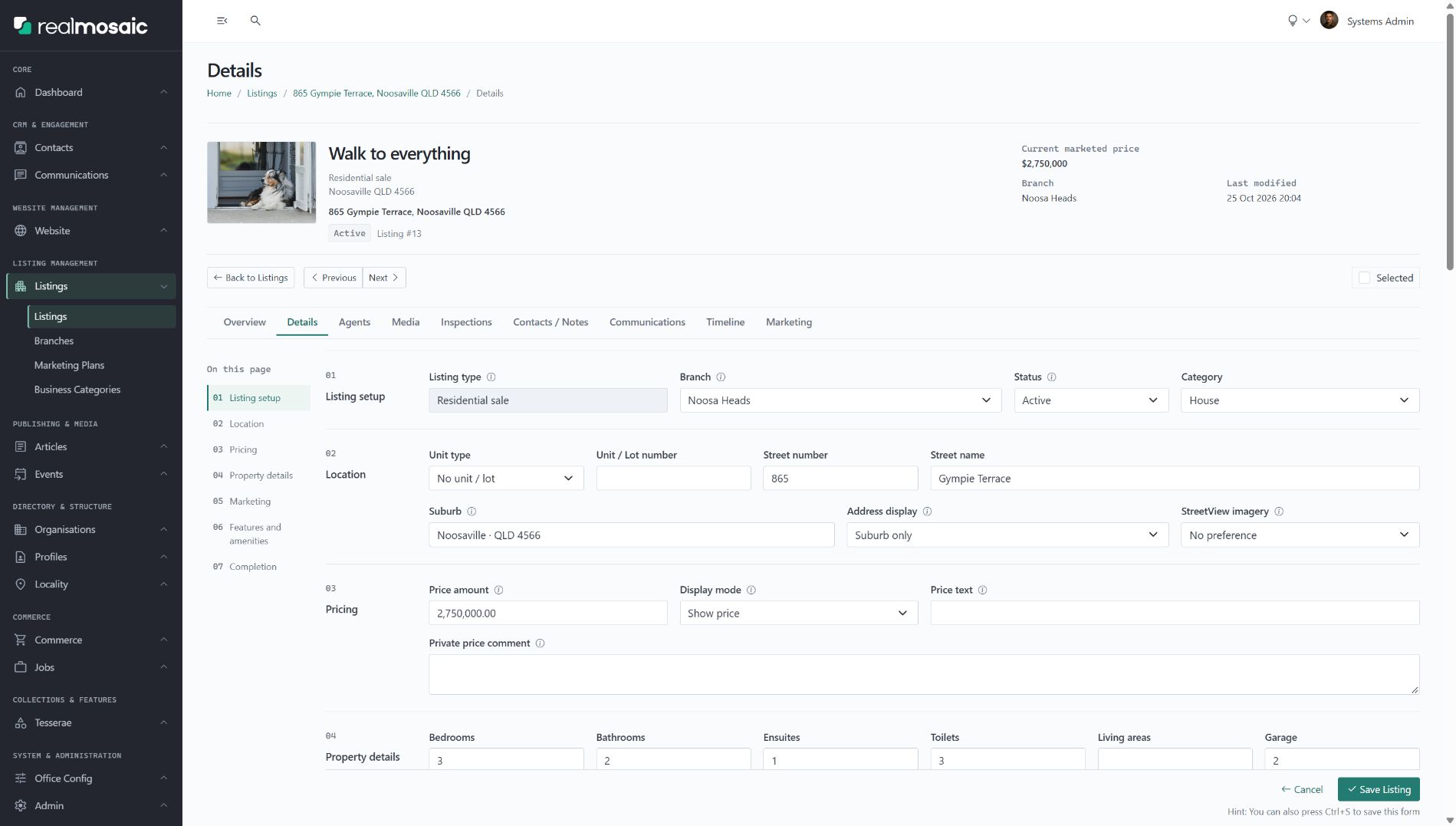
Manage property and business listing records, structured addresses and pricing, agents, media, inspections and internal notes in the workspace.
Manage countries, states, regions, suburbs and postcodes, including geographic relationships and locality bundle imports.
Bring a client project or the websites you already manage. We'll walk through the included tools, design workflow and platform care, with room for your questions.
Book a demo