Why RealMosaic

One managed platform for your client website portfolio.

RealMosaic brings reusable themes, controlled publishing, central site management and platform support into one agency focused environment. Your team focuses on design, delivery and client relationships.

RealMosaic is built for agencies managing multiple client sites. It is designed to reduce repeated setup, keep client editing controlled and place day to day site delivery within one supported platform.

One platform
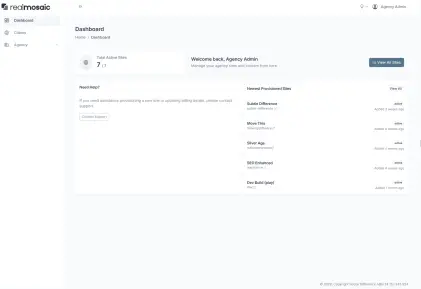
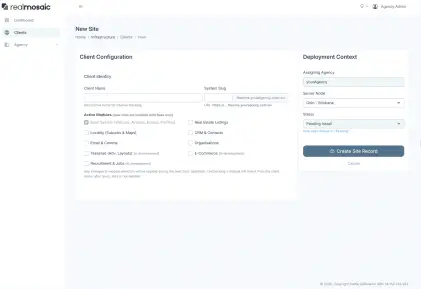
Manage client sites, users and capacity from one agency view.
Theme workflow
Build, reuse and update themes with history, comparison and restore.
Controlled editing
Give clients access to the content they need without exposing the theme.

Agency pressure

Common agency constraints

  • Repeating similar setup across multiple client sites
  • Small teams balancing new delivery with ongoing support
  • Giving clients useful editing access without losing design control
  • Maintaining performance as sites and content grow
  • Managing platform changes without disrupting client work

Platform differences

A managed workflow for agency portfolios

Theme changes without build pipeline friction
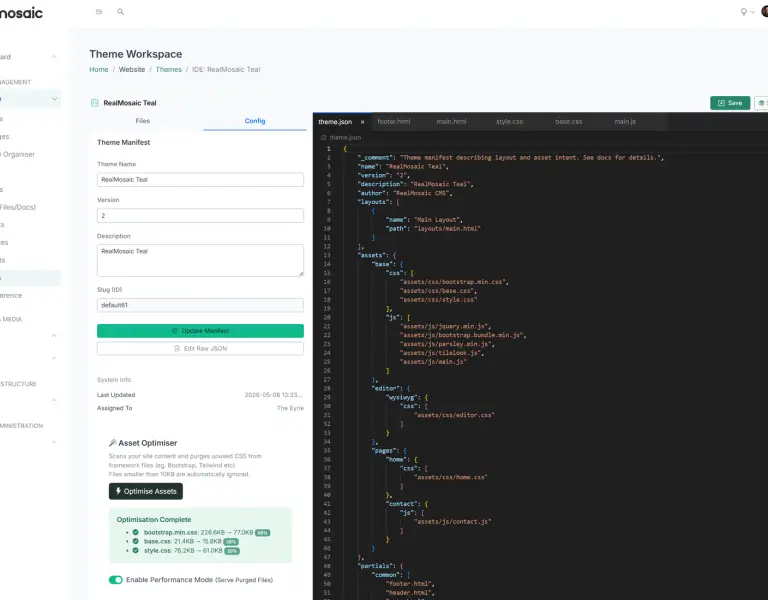
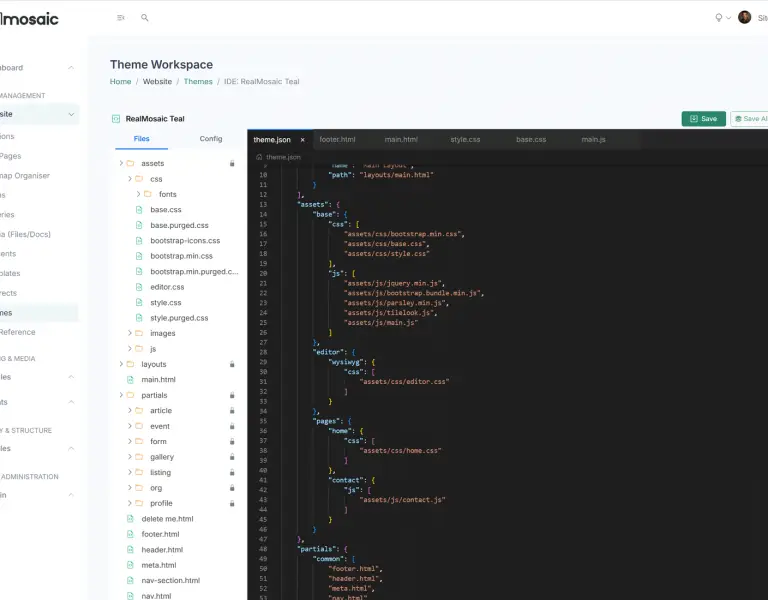
Edit themes within the CMS, save, compare changes and restore earlier versions when needed. Asset handling and cache control are part of the platform.
  • Edit themes inside the CMS for everyday changes.
  • Save refreshes preview so designers can review changes before publishing.
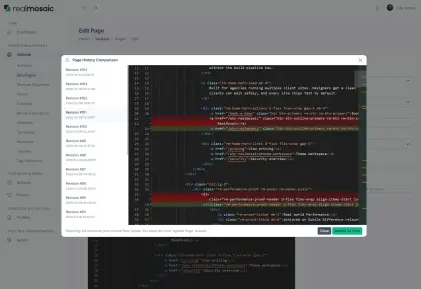
  • Every save is recorded, so you can review what changed.
  • Side by side comparison helps reviewers spot mistakes before publishing.
  • Restore a prior saved version when needed.
  • Upload assets directly into the theme workspace, including images, fonts and CSS.
  • Protected folders reduce the risk of accidental breakage.
RealMosaic theme workspace screenshot
Theme workflow
Performance tooling with a restore path
Performance Mode can reduce unused framework CSS while retaining original files. Results depend on the theme, content and third party assets, and the original output can be restored when needed.
  • CSS reduction for large frameworks such as Bootstrap, without a Node build pipeline.
  • Scans site output including templates and database content to reduce the risk of missing classes.
  • Creates an optimised shadow file while original files remain untouched.
  • Toggle Performance Mode off to return to the original output.
  • Updated files receive new versioned URLs so browsers request current assets.
  • CSS path rewriting helps avoid broken fonts and images when CSS is bundled.
  • Optional ignore rules protect dynamic classes used by JavaScript components.
RealMosaic performance tooling screenshot
Performance tooling
Permissions and guardrails for stable publishing
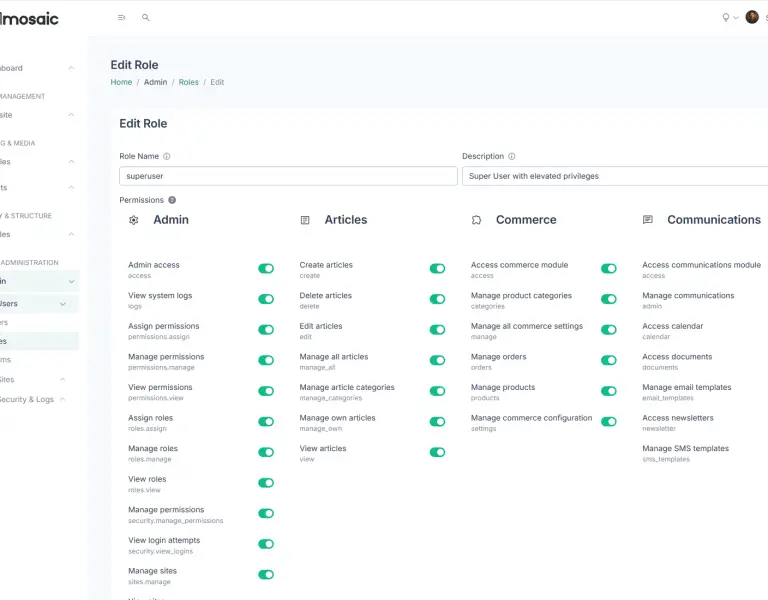
Guided content editing and publishing guardrails reduce accidental layout changes. Roles and boundaries help agencies manage client access consistently.
  • Role based permissions are evaluated per site, so access stays clean across a client portfolio.
  • The administration layer handles write access, while public delivery remains read only.
  • Templates keep common page output constrained and predictable.
  • Consistent output supports caching and reduces surprise behaviour.
  • Site isolation is applied across database, files, cache keys and runtime context.
  • Page revisions and history support review and rollback.
  • Canonical domain rules help keep URLs consistent.
RealMosaic publishing and permissions screenshot
Publishing and permissions

See whether RealMosaic fits your agency workflow.

Book a personalised demo to review your current client portfolio, theme workflow and first site rollout requirements.

Product screenshots

A look inside RealMosaic

See whether RealMosaic fits your agency workflow.

Book a personalised demo to review your current client portfolio, theme workflow and first site rollout requirements.